 Read the Voice
01 / A visit
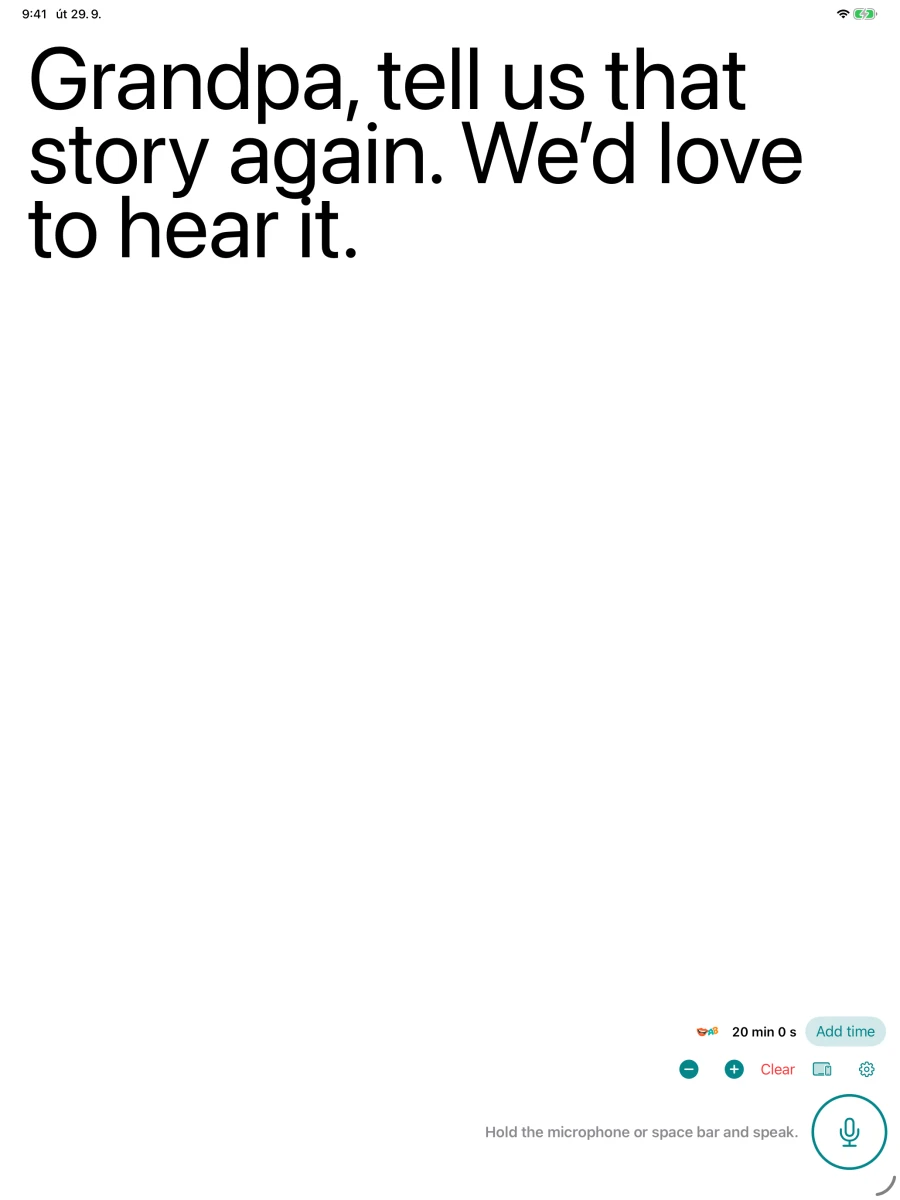
“Tell us that story again.”
Sit down with a parent or grandparent. Let them read your question, then make room for their reply.
Speech to large text · iPhone & iPad
Big, readable words. Little moments together. Simple speech to text for seniors and the people who love them.
Transcription in 60+ languages
Then $1.99 USD / hour. No subscription.
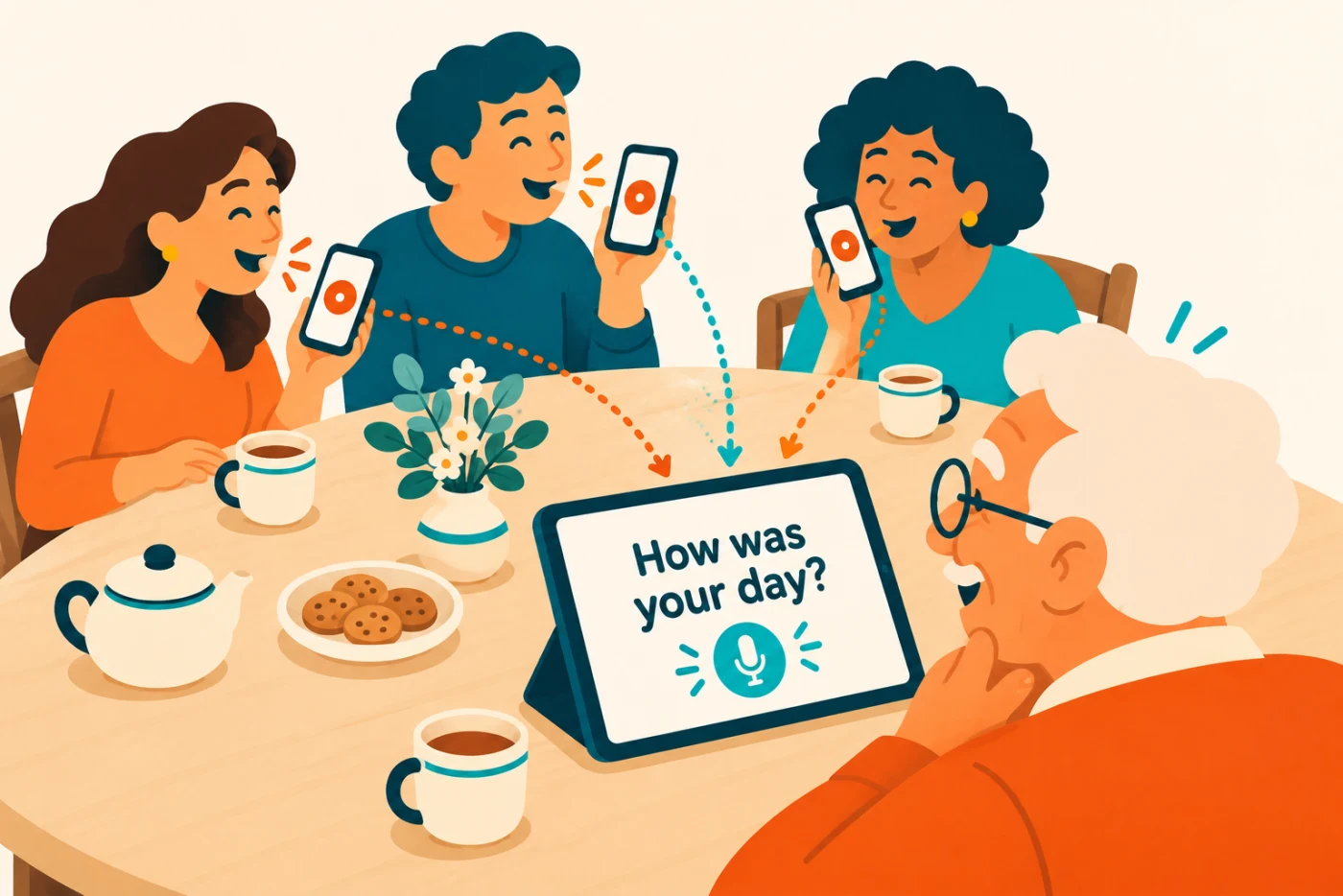
Your phones. His front-row seat.
A sentence is all it takes
An everyday conversation, made visible.
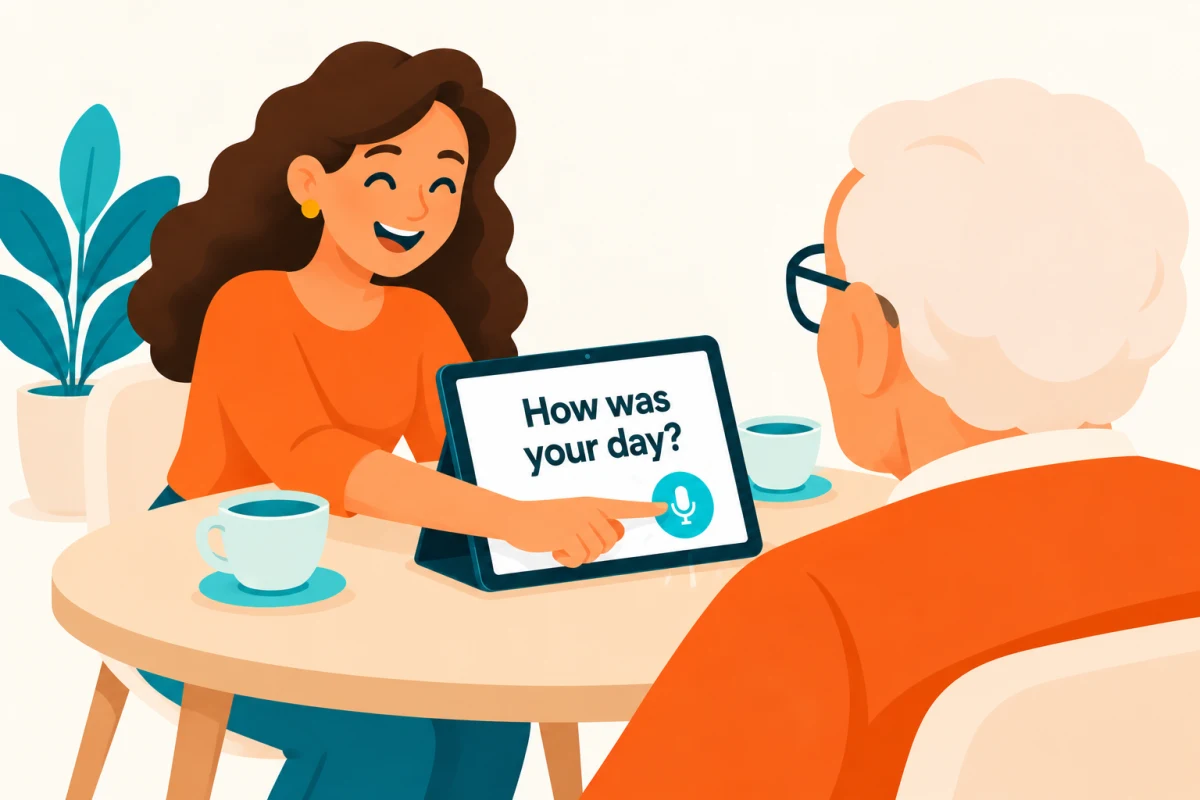
Keep the button pressed while you say what you want to say.
Your recording is sent for transcription. Give it a moment to process.
The words appear in large text. Take your time, then keep the conversation going.
Meet Tandem
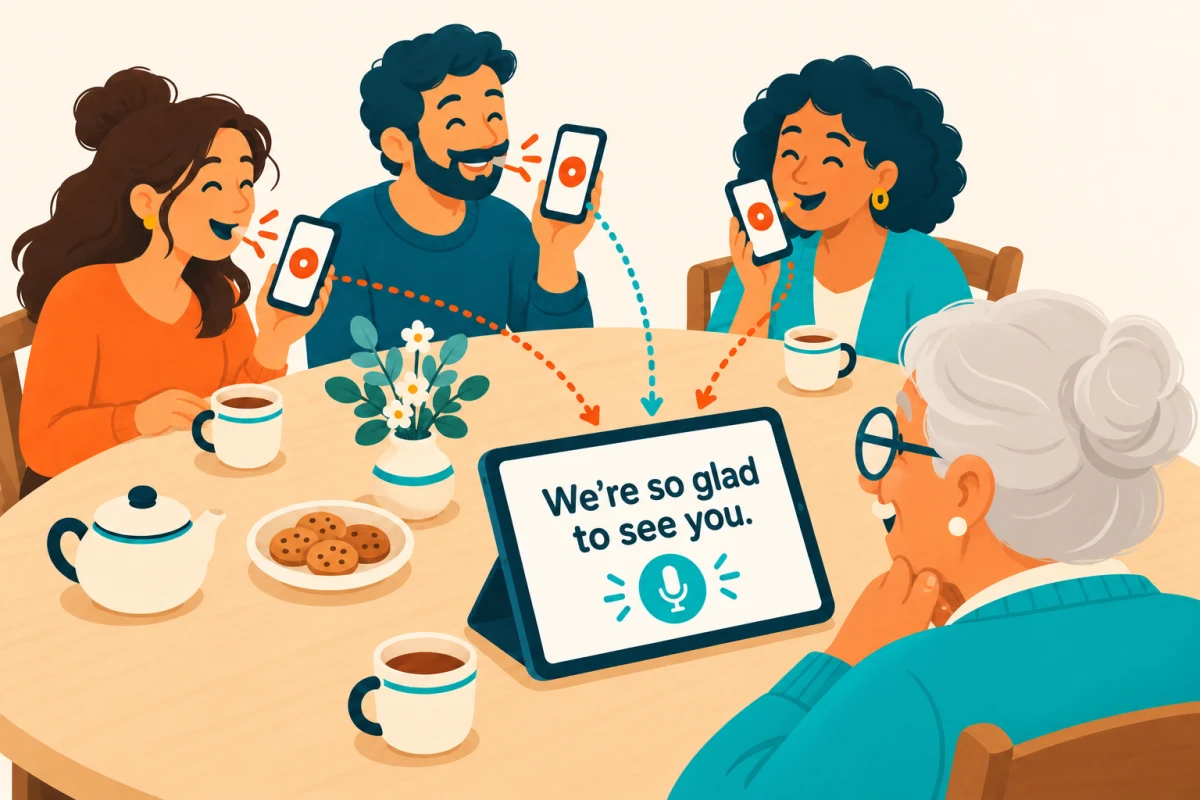
Keep the iPad in front of Grandma or Grandpa. Everyone else can speak from their own iPhone. No passing a phone around the table.
Guests don’t need an account or their own minutes. The receiving account supplies the time.
For nearby devices. Keep both apps open, with Wi-Fi and Bluetooth enabled. Transcription needs internet on the receiving device.
For the things you want to say
01 / A visit
Sit down with a parent or grandparent. Let them read your question, then make room for their reply.
02 / Around the table
Connect the family’s phones to one iPad. Take turns and leave time for the reader to respond.
03 / Everyday plans
A quick question. A small plan. The little conversations that make up a day together.
One device is enough
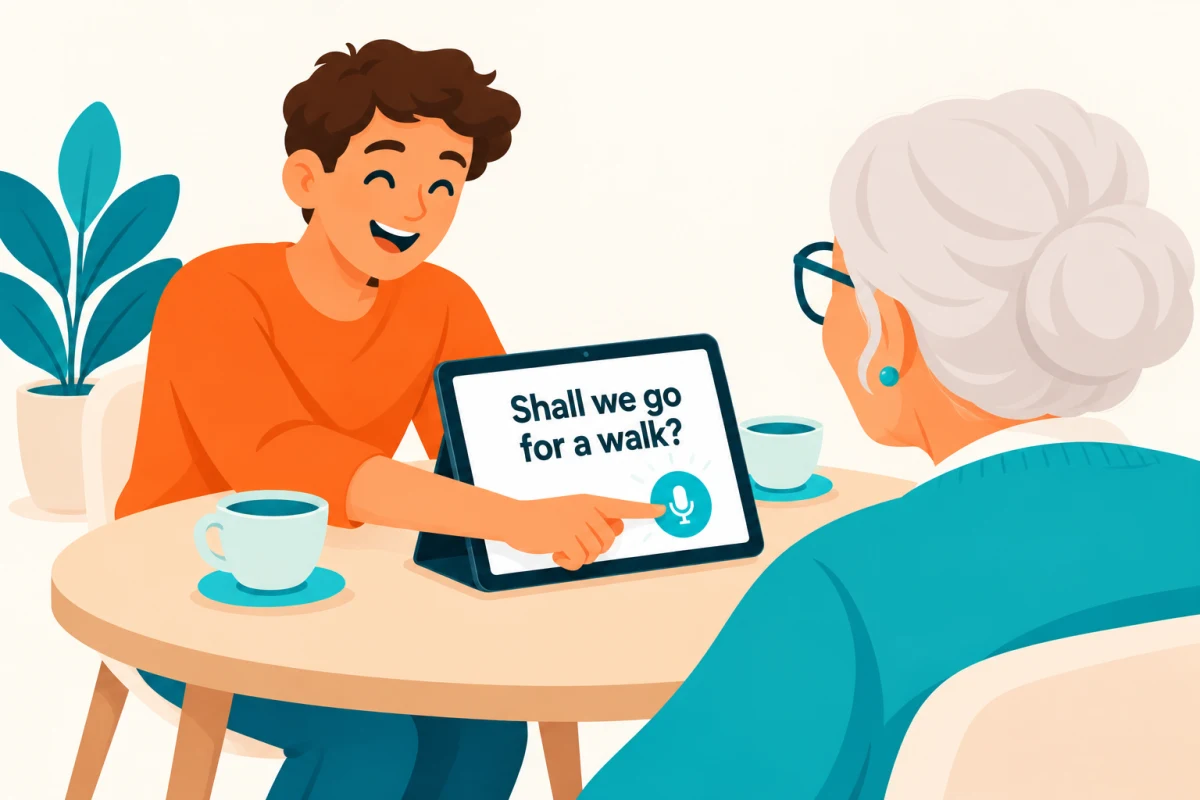
Sit across from each other. Place the iPad facing Grandma and hold its microphone button while you talk. No extra phone needed.
Illustration shows an example sentence. In the app, each new transcription appears after you release the button.
Speech to large text
Choose a text size that feels right. Use an iPhone for a simple exchange, or give the conversation more room on an iPad.
Why we made it
Our founder’s grandfather is 90. Even with powerful hearing aids, following a conversation was difficult. Showing him the words opened up another way to talk — and brought him back into the moment.
Read the Voice grew from that very personal wish: more conversation, more stories, more time together.
Our founding story. Everyone’s experience is different.
A little time. A lot to say.
US price for the 60-minute pack. Your local App Store price may vary. Larger packs include bonus minutes.
Start with a real conversation. When you need more time, top up in the app. Your remaining minutes are always visible.
Coming soon to App StoreIntroductory minutes for eligible Apple-linked accounts. Time counts while recording, including pauses. Processing time isn’t charged. Tandem uses the receiving account’s minutes.
How minutes work ↗A few things to know
They appear after you release the microphone button and processing finishes. Read the Voice uses deliberate, short recordings rather than continuous live captions.
Yes. Choose “Use on its own” to speak and read on the same device. Tandem is optional.
No. In Tandem, guests need the app and pairing approval, but no account or minute pack. The receiving account provides the minutes.
Yes. Audio is sent through our server to OpenAI for transcription with your consent. In Tandem, the receiving device needs internet. Keep the apps open with Wi-Fi and Bluetooth enabled.
Transcription detects the language automatically, or you can choose a supported language in Settings. The interface language is a separate setting. Transcription writes the spoken words; it is not a translation feature.
Audio is processed for transcription through our server and OpenAI. Read our Privacy Policy for how audio, temporary results and account information are handled. You can delete your account in Settings.
A little help getting started
Everyday guide · 3 min readTurn spoken words into large, readable text on iPhone or iPad. A simple guide to hold-to-talk dictation for seniors and family conversations.
Read the guide ↗Everyday guide · 2 min readSet up an iPad to show spoken words in large text. Learn how to position the screen, adjust the text and choose standalone or Tandem mode.
Read the guide ↗Everyday guide · 2 min readUse Tandem to send speech from nearby iPhones to one iPad. Guests need no account or minute pack; transcription uses the receiving account’s balance.
Read the guide ↗Read the Voice
Speech to text for seniors.
Made for the people who want to stay close.