 Read the Voice
The conversation guide
Small steps.
More to say.
Simple, practical ways to turn speech into readable words — for seniors, families and everyday moments together.
 Everyday guide · 3 min read
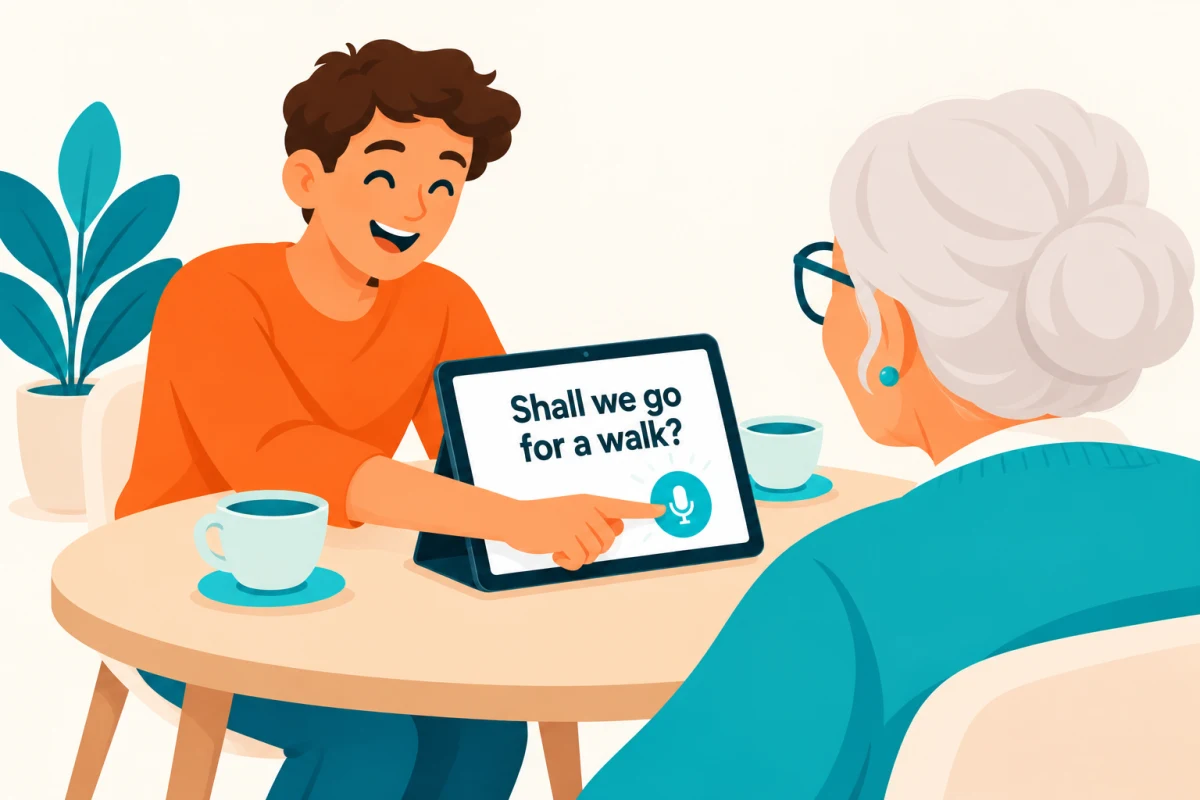
Dictation for seniors: turn spoken words into large text
Turn spoken words into large, readable text on iPhone or iPad. A simple guide to hold-to-talk dictation for seniors and family conversations.
Read the guide ↗Everyday guide · 2 min readSpeech to large text: turn an iPad into a readable conversation screen
Set up an iPad to show spoken words in large text. Learn how to position the screen, adjust the text and choose standalone or Tandem mode.
Read the guide ↗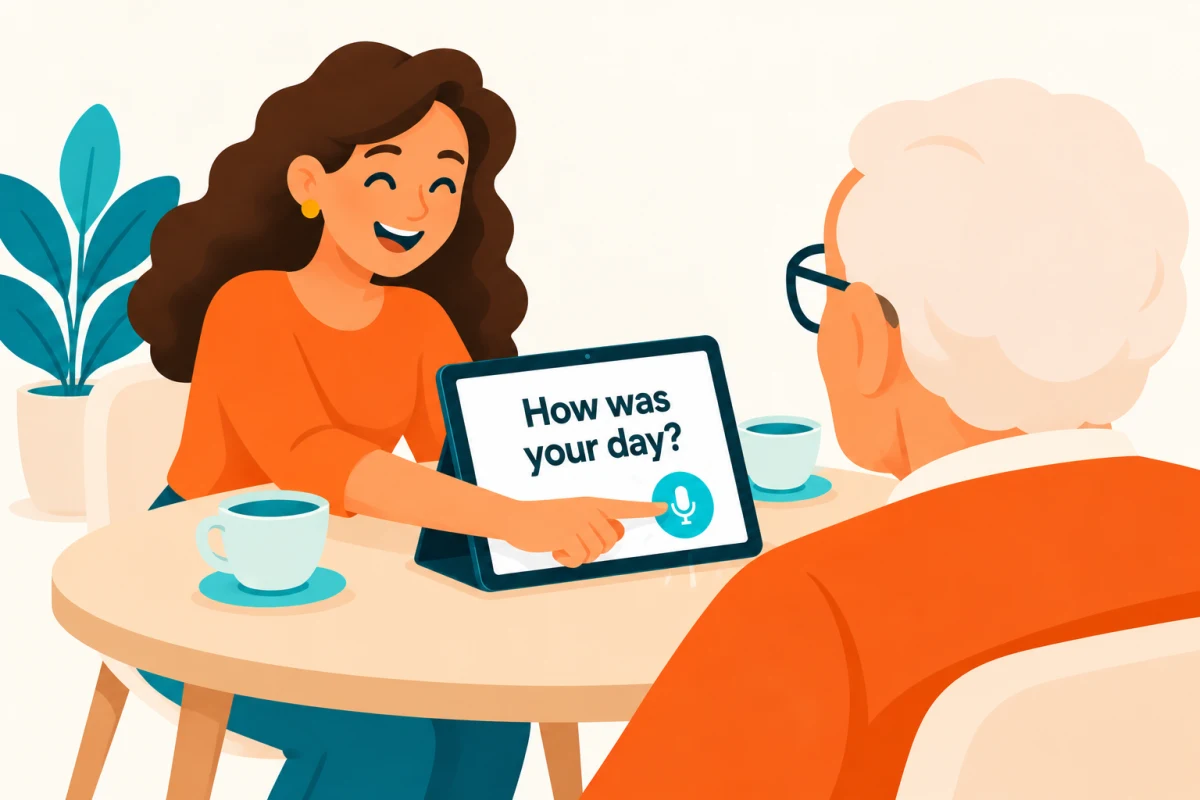 Everyday guide · 2 min read
A simple way to make conversations with a hard-of-hearing parent readable
Try a simple way to make family conversations readable: speak into an iPhone and show large text to your parent on an iPhone or iPad.
Read the guide ↗ Everyday guide · 2 min read
Your phones, one shared iPad: a family guide to Tandem
Use Tandem to send speech from nearby iPhones to one iPad. Guests need no account or minute pack; transcription uses the receiving account’s balance.
Read the guide ↗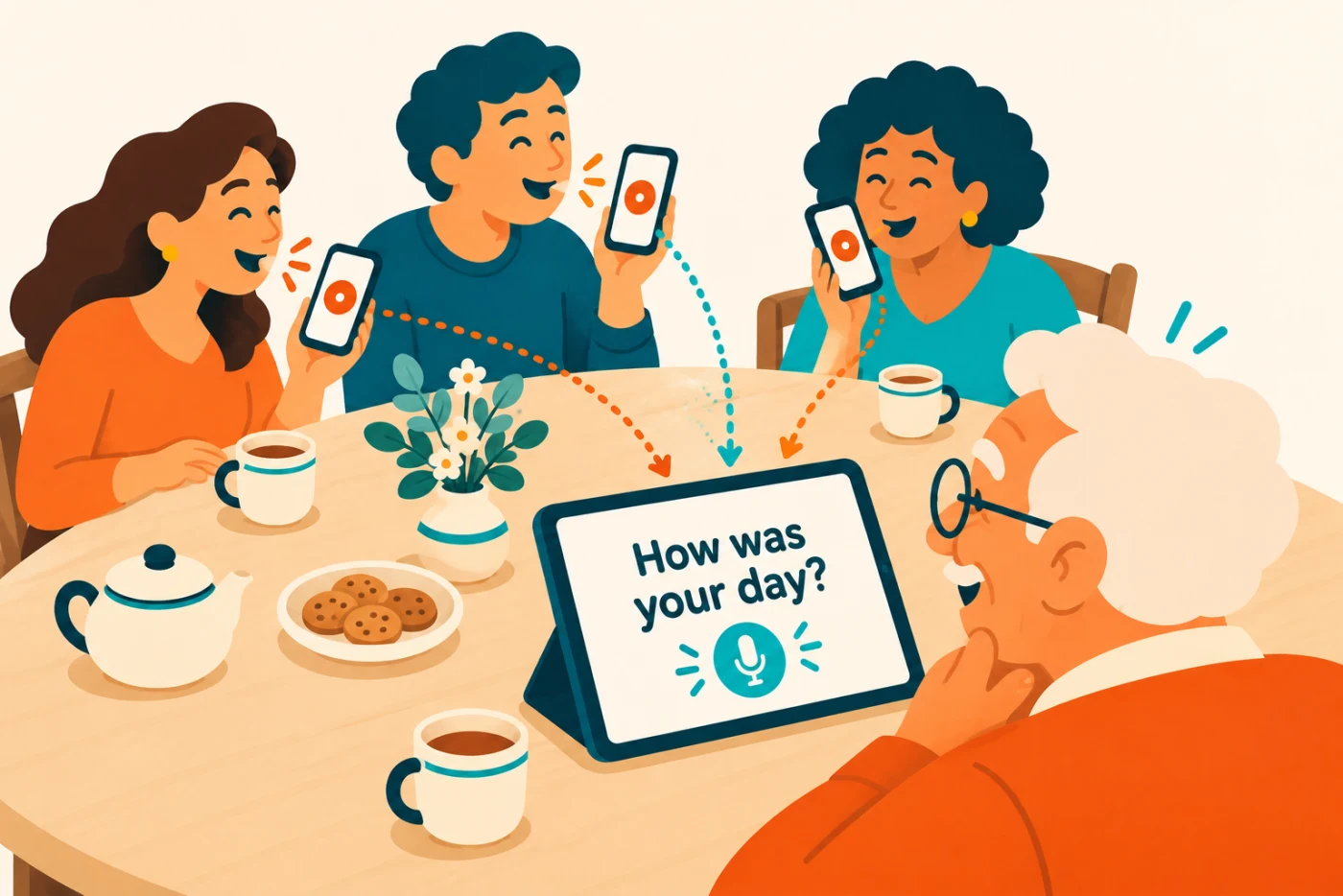 Everyday guide · 3 min read
Speech to text without a subscription: how the minutes work
Understand Read the Voice minute packs: what uses recording time, how Tandem shares a balance, and what to check before buying more minutes.
Read the guide ↗Everyday guide · 2 min readChoosing a conversation app for a hard-of-hearing senior
Choose a comfortable setup for face-to-face conversations: large text, simple recording controls and a shared family iPad for a hard-of-hearing senior.
Read the guide ↗