 Read the Voice
A simple way to make conversations with a hard-of-hearing parent readable
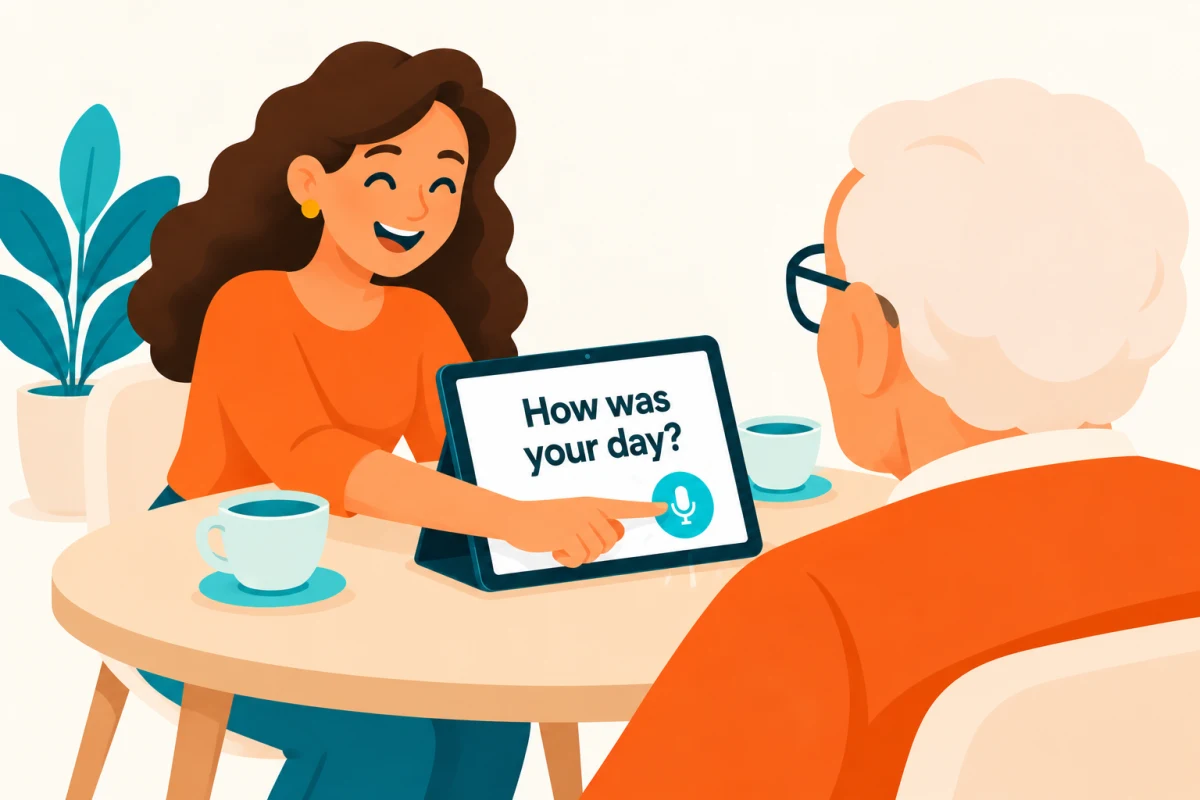
You have something ordinary to share: a plan for Sunday, a story about the children, a question about an old photograph. When spoken words are difficult to follow, putting that sentence on a screen gives your parent another way to take part.
Speech-to-text software turns a recording into written words. Read the Voice is designed around a small, deliberate action: hold the microphone button, speak, and release. The text appears after the recording has been processed. Your parent can read the words, then reply in the way that works for them.
Start with one sentence
Ask whether your parent would like to try reading what you say. Put the phone or tablet where they can comfortably see it and adjust the text size together. The useful size is the one they choose, not necessarily the largest setting.
Try a familiar sentence such as “Would you like to see the photos from our trip?” Hold the microphone for the whole sentence, release it, and wait for the result. Leave time to read and respond before starting the next recording.
If a word is wrong, say that part again. Treat the transcript as something you can check together rather than an exact record of everything that was said.
Use one device first
You can begin with just an iPhone. A larger iPad may be more comfortable if your parent wants the screen standing on the table. You do not need to set up several phones for a conversation between two people.
When more family members join, Tandem lets their phones send to one shared iPad. Guests use the receiving account’s minutes instead of buying their own.
Agree on what feels comfortable
Ask before recording. Read the Voice sends audio through its server to OpenAI for transcription, so it requires internet access; it is not an offline tool. Explain this in ordinary language and let your parent decide whether that arrangement is comfortable.
This is a way to add readable words to a conversation, not a treatment for hearing loss. People have different communication preferences. If the screen is more distracting than helpful, try a different approach together.
Start small: one device, one comfortable text size, and one sentence you actually want to say. See how to set up an iPad for readable conversations.